|
2 Source Filters
AForge.NET framework provides number of 2 source filters – filters which take two input images
to produce the result image. Below is the list of available 2 source filters applied to the next source images:
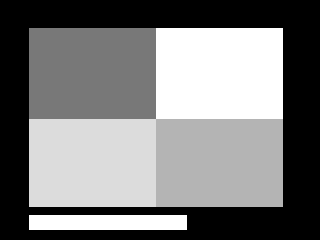
Source image:
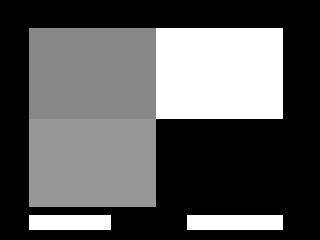
Overlay image:

Merge
Each pixel of result image equals to the maximum value of corresponding pixels from provided images.

Intersect
Each pixel of result image equals to the minimum value of corresponding pixels from provided images.

Add
Each pixel of result image equals to the sum value of corresponding pixels from provided images.

Subtract
Each pixel of result image equals to the difference value of corresponding pixels from provided images.

Difference
Each pixel of result image equals to absolute difference between corresponding pixels from provided images.
Move towards
The result of this filter is an image, which is based on source image, but updated in the way to decrease diffirence with overlay image.

(source image is changed in the direction of overlay by 20)
Morph
The filter combines two images by taking specified percent of pixels’ intensities from source image and the rest from overlay image.

(75% of source image and 25% of overlay image)
|


