|
Binarization filters
AForge.NET framework provides different binarization filters, which may be used as in image processing,
as in some computer vision tasks.
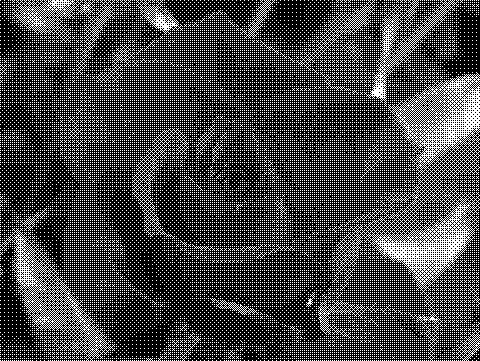
Below is the list of implemented binarization filters and the result of their application to the below source
image.
Source image

Thresholding
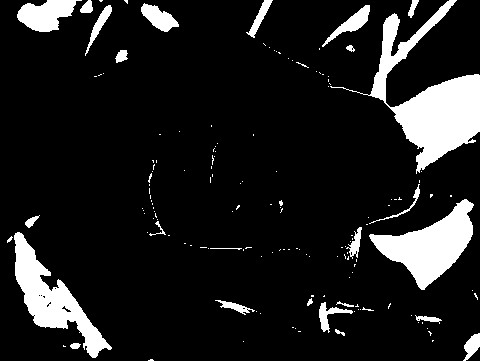
The simplest binariazation method is the regular thresholding, which just takes the specified threshold and
separates imeage’s pixels into black and white pixels according to the specified threshold. Although this is the
simplest binarization filter, it seems to be the most useful in computer vision applications – the rest of filters
are nice for image processing/enhancement applications.
Threshold with carry
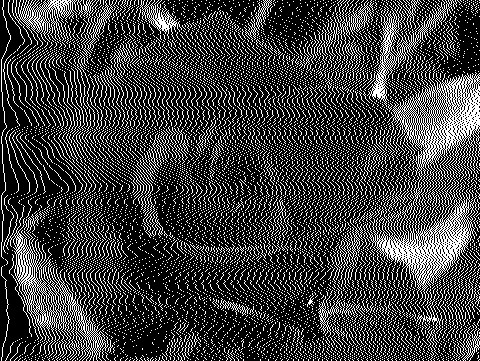
The filter is similar to Threshold filter in the way, that it also uses threshold value for image binarization.
Unlike regular threshold filter, this filter uses cumulative pixel value in comparing with threshold value.
This feature of the filter makes it more friendly to applications, which require natural representation of the
source image in black and white colors.
The framework provides set of binarization filters bases on
error diffusion.
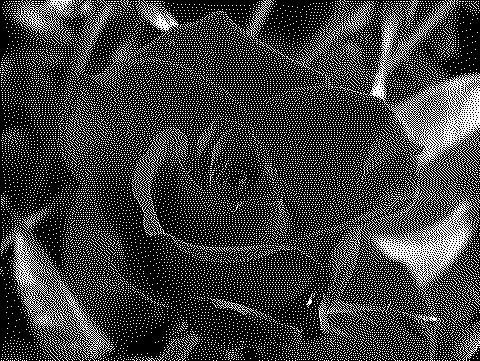
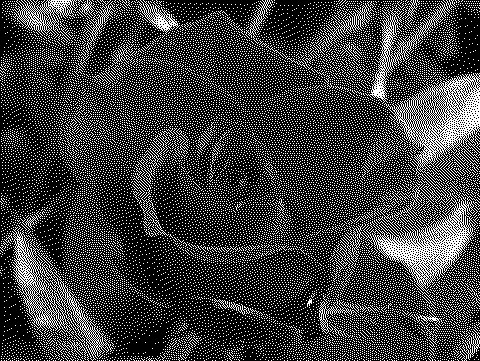
These filters are similar to binarization based on thresholding of pixels’ cumulative value – each pixel is binarized
based not only on its own value, but on values of some surrounding pixels.
Burkes error diffusion
Floyd-Steinberg error diffusion
Jarvis, Judice and Ninke error diffusion
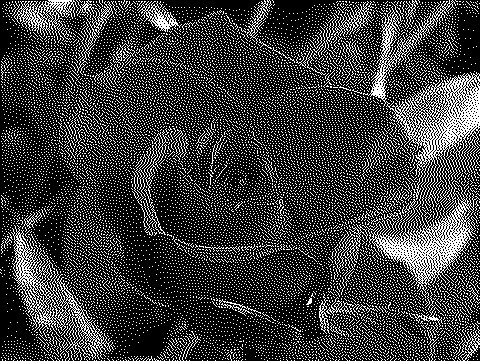
Sierra error diffusion
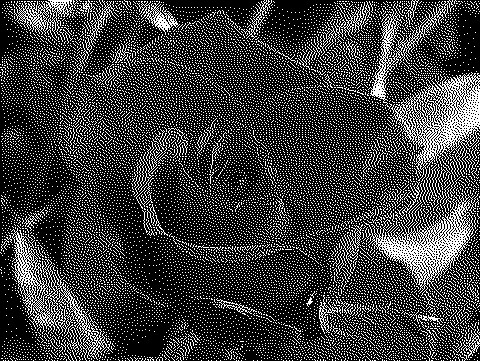
Stucki error diffusion
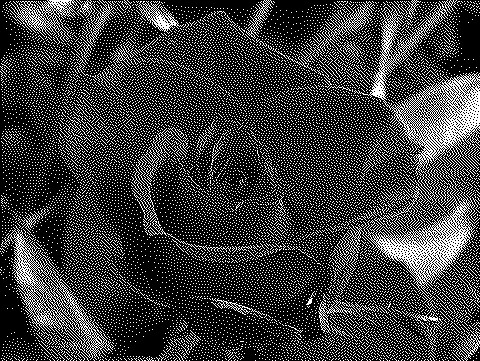
The framework also provides
ordered dithering
filter, which is a threshold filter using matrix of threshold values instead of single threshold value.
Bayer dithering
|


